Accurate patient and examination data are critical in medical imaging. Any small data entry error, from taking a wrong patient ID to a wrong accession number, can have an impact on future storage, retrieval, viewing, and reporting of images. DICOM Modality Worklist aims to minimize these mistakes by enabling imaging devices to be notified of scheduled patient and procedure details directly from the connected healthcare system.
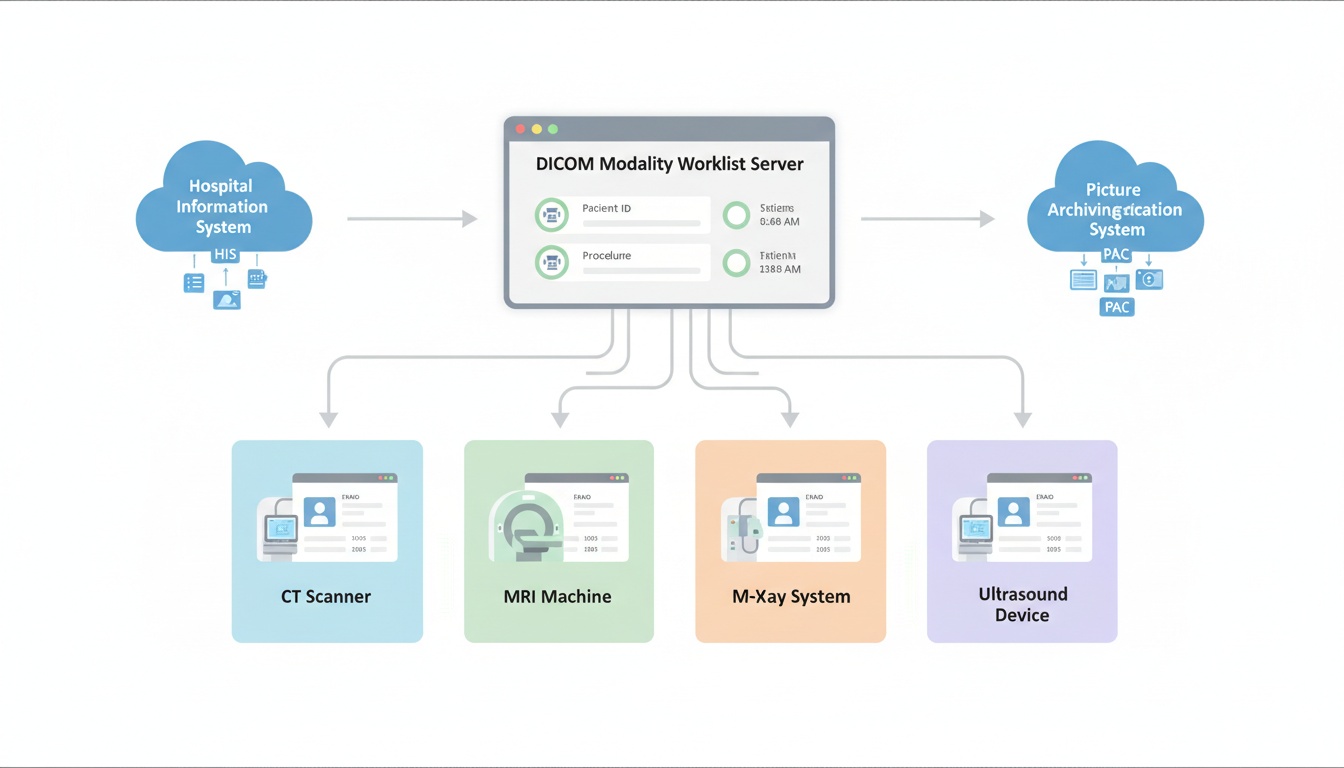
DICOM Modality Worklist (DMWL) is a DICOM service that sends scheduled patient and exam information to imaging modalities such as CT, MRI, X-ray, ultrasound, and mammography systems.
The technologist uses a worklist to select the appropriate scheduled exam for the patient, rather than having to manually enter the patient information at the scanner. This ensures a more efficient imaging process, from acquisition to PACS storage, viewing, reporting, and sharing, while minimizing manual entry, ensuring accurate metadata, and avoiding duplicate records.
What Is a DICOM Modality Worklist?
DICOM Modality Worklist is a component of the DICOM workflow. It enables an imaging modality to request a list of scheduled exams from a system (e.g., RIS, HIS, PACS, or worklist server).
Simply put, the modality questions, “What tests are scheduled on this device?” The worklist server will return patient and procedure information. The technologist then checks the appropriate item and initiates the scan.
This process will ensure that accurate patient, study, and procedure data are present in newly created DICOM images.
These are typical steps in a DMWL workflow:
1. A Patient Is Registered And An Imaging Exam Is Scheduled.
2. The Ris, His, Or Scheduling System Stores The Patient And Procedure Details.
3. The Modality Queries The Worklist Server.
4. The Server Returns Matching Scheduled Exams.
5. The Technologist Selects The Correct Worklist Item.
6. The Modality Uses That Information To Populate The Dicom Metadata.
7. After Acquisition, The Images Are Sent To Pacs Or Another Image Management System.
Or, technically, the modality is usually the Service Class User (SCU). The worklist server is the Service Class Provider (SCP). This query is usually done with the DICOM C-FIND operation.
The medical images are NOT stored in a DICOM Modality Worklist. It includes the scheduled information required to correctly perform and identify the exam.
| Worklist information | Why it matters |
| Patient name and ID | Helps identify the correct patient |
| Accession number | Connects the exam to the order and report |
| Scheduled procedure | Shows which exam should be performed |
| Modality type | Routes the exam to the correct device |
| Study description | Helps organize and search the study later |
| Scheduled date and time | Supports daily modality planning |
| Referring physician | Connects the exam to the clinical order |
Because this information may become part of the DICOM header, accurate worklist data supports cleaner DICOM tags, better study organization, and more reliable retrieval later.
DMWL's primary goal is to reduce manual data entry at the imaging device. Technologists may have to enter patient and exam data into the modality without a worklist. This can lead to duplicate records, incorrect study descriptions, missing patient IDs, and typos.
A properly configured modality worklist can help imaging facilities:
• Reduce Typing At The Scanner
• Improve Patient And Study Data Consistency
• Match Images More Accurately With Orders And Reports
• Save Time For Technologists
• Support Cleaner Pacs Storage And Retrieval
• Reduce Duplicate Or Misfiled Studies
DMWL is not a substitute for RIS, HIS, PACS or a DICOM viewer. Rather, it aids these systems in functioning more smoothly, and provides a more accurate information that is linked to each study performed in an image.
DICOM Modality Worklist is not related to PACS, but it is associated with it.
| System or service | Main role |
| DICOM Modality Worklist | Sends scheduled patient and exam information to the modality |
| Modality | Acquires images, such as CT, MRI, X-ray, or ultrasound |
| PACS | Stores, organizes, retrieves, and manages medical images |
| DICOM Viewer | Allows users to view and review DICOM images |
| RIS/HIS | Manages registration, scheduling, orders, and reporting workflows |
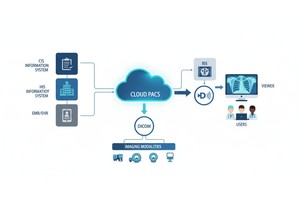
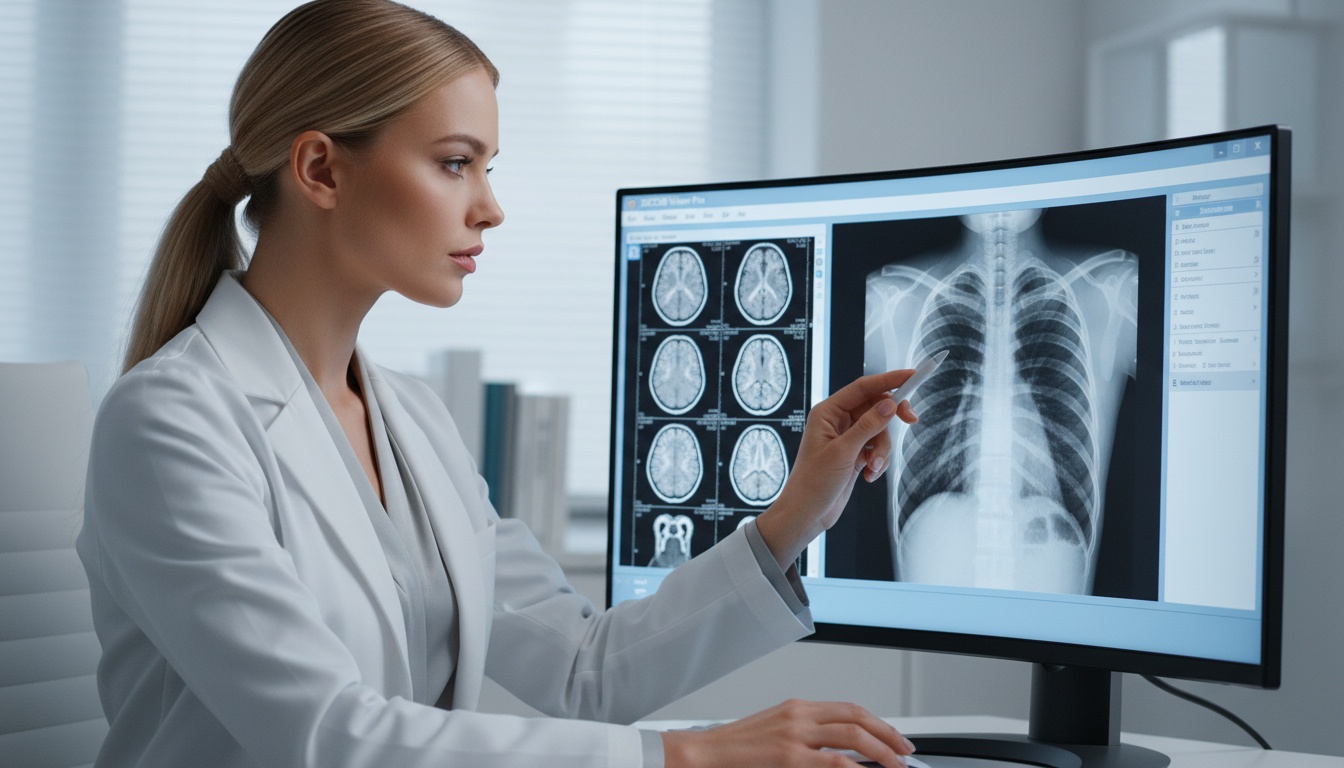
The beginning of the imaging process is helped by DMWL. PACS and viewers are utilized after images are created. For instance, once an exam is downloaded, it can be saved to a Cloud PACS and could be reviewed or reported on at a later time in a Diagnostic DICOM Viewer.
DICOM Modality Worklist is useful in many imaging environments.
Hospitals typically handle a large volume of images across multiple departments. DMWL assists with the correct assignment of modality and patient/order information for scheduled CT, MRI, X-ray, ultrasound, etc., examinations.
The DMWL can help Independent imaging centers minimize the communication disconnect between scheduling and technologists. Staff spend less time typing and correcting patient information when exam details go straight to the modality.
Worklist filtering is advantageous in facilities that have multiple imaging devices. For instance, the CT system should display CT exams, and the ultrasound system should display ultrasound exams. This helps maintain day-to-day operations.
A good worklist data also enables review downstream. Patient demographics, accession numbers and study description are important to include when sharing images with a remote radiologist or specialist to ensure the right exam is identified and reported.
 - Created by PostDICOM.jpg)
DICOM Modality Worklist enhances workflow but requires correct set-up and uniformity of data. Common challenges include:
• Incorrect Ae Title, Ip Address, Or Port Configuration
• Worklist Items Not Appearing On The Modality
• Duplicate Patient Records
• Inaccurate Or Missing Accession Numbers
• Different Procedure Names On Different Systems.
• Incorrect Modality Filtering
• Network Or Connection Problems
• Downtime When Ris Or His Systems Are Not Available
Typically, these problems are resolved by radiology IT, PACS administrators, modality vendors, or integration specialists. Local imaging devices can communicate with cloud-based image management workflows using a tool such as PostDICOM's Medical Device Communicator.
DICOM Modality Worklist is primarily a pre-acquisition workflow tool, but can have an impact after the scan is performed. Images produced using accurate patient and study information are more easily stored, searchable, viewable, reportable and shareable.
This is particularly vital in Web-based imaging workflows. Cloud PACS platforms and online DICOM viewers rely on the accuracy of the metadata to help users locate the right study, make comparisons, organize the records and share them with referring doctors or specialists.
The viewing and collaboration are not directly offered by DMWL. But it's useful producing cleaner imaging data for those later tasks to be more accurate and efficient.
DICOM Modality Worklist is a DICOM service used to send the scheduled patient and imaging procedure information to modalities like the CT, MRI, X-ray, and ultrasound.
No. DMWL sends regular exam information to the modality prior to image acquisition. Once medical images are created, PACS stores, manages, retrieves, and distributes them.
A worklist can contain patient's name, patient ID, accession number, scheduled procedure, modality type, study description, scheduled time, and referring doctor. The fields will vary depending on the systems and configuration being connected.
The accession number can be used to link the imaging study to the original order and report. It may cause issues when matching images, reports and patient records, if it is not present or if it is incorrect.
DICOM Modality Worklist gives the information of the scheduled exam before the exam. Modality Performed Procedure Step (MPPS) conveys the information of what was actually performed during or as part of the exam. These help out with various aspects of imaging.
DICOM Modality Worklist is an important part of modern medical imaging workflow. It can enable imaging modalities to get the right patient and procedure information before the scan, minimizing manual data entry and ensuring consistent data across integrated systems.
DMWL helps hospitals, imaging centers, and radiology teams improve the quality of their metadata, streamline the operation of their modalities, enhance their PACS organizing, and ensure easier downstream viewing and collaboration.
|
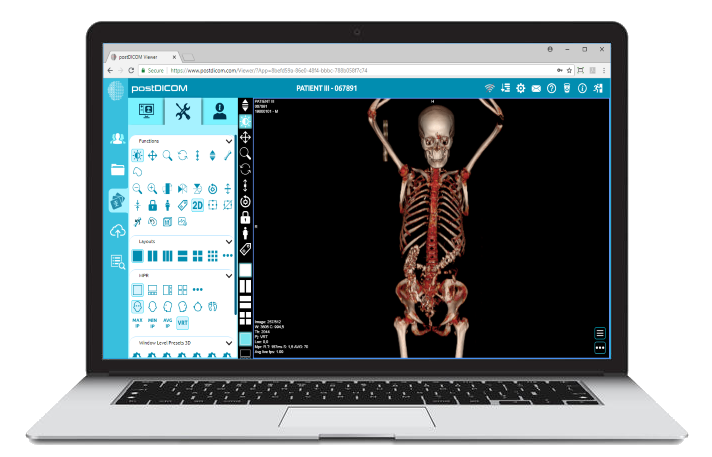
Cloud PACS and Online DICOM ViewerUpload DICOM images and clinical documents to PostDICOM servers. Store, view, collaborate, and share your medical imaging files. |