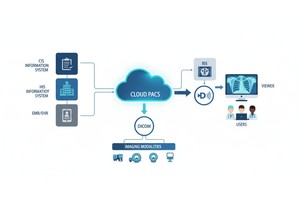
Electronic Health Records are central to patient information management, while PACS is essential for storing, viewing, and sharing medical images. When these systems are connected, healthcare teams can access imaging studies more efficiently and reduce the gaps between clinical records and medical imaging workflows.
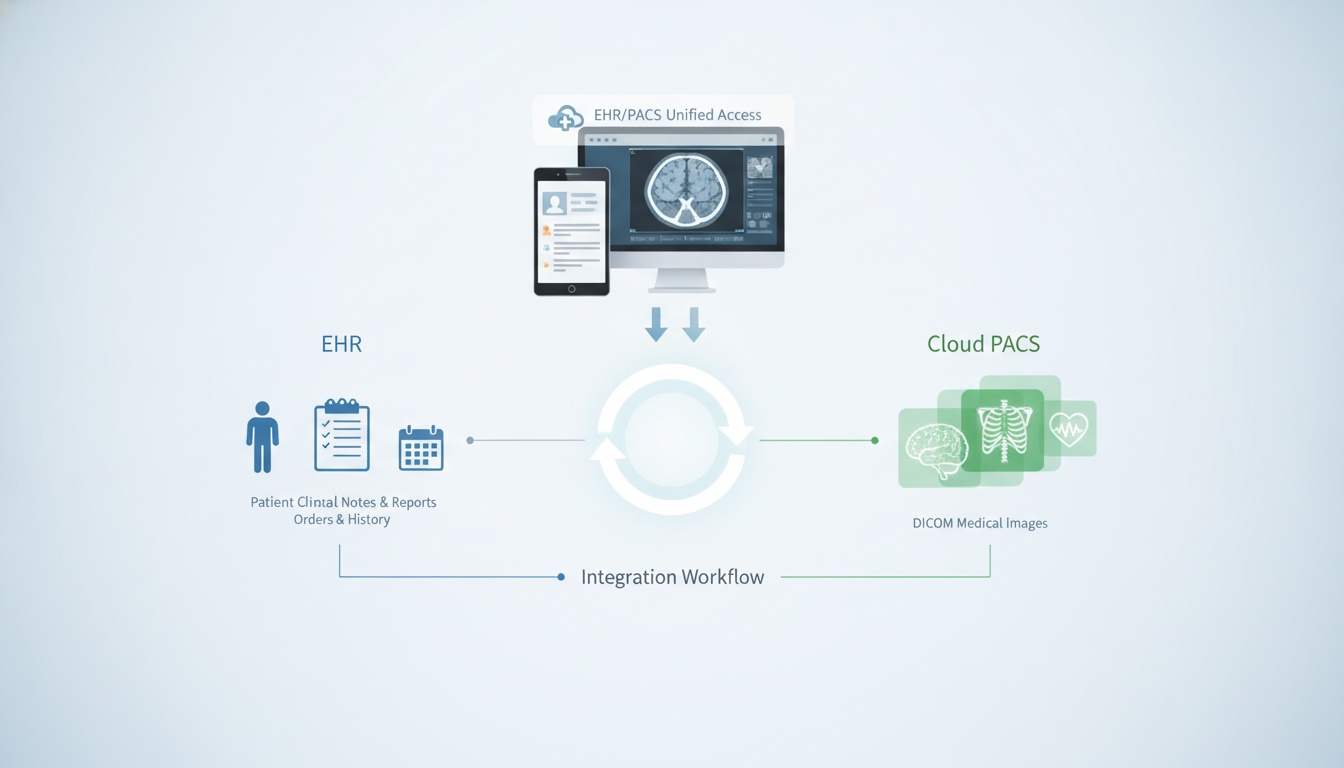
Yes, CloudPACS can be integrated with Electronic Health Record systems. In most workflows, the EHR stores patient demographics, notes, reports, orders, and clinical history, while CloudPACS stores and manages DICOM medical images such as CT, MRI, X-ray, ultrasound, and other imaging studies.
With proper integration, clinicians can move from the patient record in the EHR to the relevant imaging study in the PACS or viewer without manually searching across separate systems. This helps improve access, reduce duplicate steps, and support a more connected medical imaging infrastructure.
CloudPACS EHR integration means connecting a cloud-based PACS platform with an electronic health record system so patient records and imaging studies can work together in the same clinical workflow.
A cloud PACS stores medical images in a cloud-based environment and allows authorized users to access them through a web browser. The EHR manages the broader patient record. Integration helps connect both systems so imaging data is easier to locate, view, and share.
This does not always mean medical images are stored inside the EHR. In many setups, the EHR provides access to the imaging study through a link, API call, or connected viewer, while the actual DICOM files remain in the PACS.
| Area | PACS / CloudPACS | Electronic Health Record |
| Main purpose | Stores, manages, and displays medical images | Stores patient health records and clinical documentation |
| Data type | DICOM images, imaging studies, image metadata | Notes, diagnoses, medications, orders, reports, lab results |
| Main users | Radiologists, physicians, imaging centers, specialists | Physicians, nurses, administrators, care teams |
| Workflow role | Image storage, viewing, sharing, and retrieval | Patient record management and care coordination |
| Integration value | Makes imaging studies easier to access | Connects imaging data with the broader patient record |
Both systems are important, but they serve different purposes. The EHR gives clinicians the wider clinical picture, while PACS provides access to the image data needed for review, diagnosis, and specialist collaboration.
CloudPACS and EHR systems can be connected in different ways depending on the organization’s infrastructure, vendor capabilities, and workflow needs. Common integration methods include:
• Api-based Connections Between The Ehr And Pacs
• Hl7 Messaging For Orders, Patient Updates, And Reports
• Fhir-based Interoperability For Modern Healthcare Data Exchange
• Dicom And Dicomweb For Medical Imaging Access And Retrieval
• Secure Viewer Links That Open The Correct Imaging Study From The Patient Record
For example, an EHR may show a patient’s imaging order or report, while a connected link opens the related study in a browser-based DICOM viewer. This allows clinicians to review images without downloading files manually or switching between disconnected systems.
PostDICOM’s API/FHIR integrations can support organizations that need to connect imaging workflows with existing healthcare systems.
Without integration, clinicians may need to search for patient information in one system and imaging studies in another. This can slow down the workflow, especially when patient names, study dates, or accession numbers must be matched manually.
With CloudPACS EHR integration, healthcare organizations can create a more connected workflow where authorized users can:
• Access Imaging Studies From The Patient Record
• Reduce Manual Searching Between Systems
• Connect Reports And Images More Clearly
• Support Referring Physician Access
• Share Imaging Studies More Efficiently
• Build A More Scalable Imaging Infrastructure
The goal is not to replace the EHR or PACS. The goal is to make both systems work together more effectively.
 - Created by PostDICOM.jpg)
CloudPACS and EHR integration can support different healthcare settings, from large hospitals to smaller specialist clinics. The main benefit is making imaging studies easier to access within the patient record and reducing the need for separate manual searches.
Hospitals and imaging centers often manage a high volume of imaging studies. Integration helps connect imaging orders, reports, and DICOM studies so physicians can access the right images from the right patient record.
Orthopedic, cardiology, oncology, dental, and other specialist clinics often need quick access to imaging studies during consultations. A connected CloudPACS workflow can make it easier to review current and prior scans.
Cloud-based access is useful for remote radiologists and distributed care teams. Instead of relying on CDs, local workstations, or manual file transfers, authorized users can access imaging studies through a secure web-based workflow.
Referring physicians may need to review imaging studies after sending a patient for scans. Integrated workflows can make image access smoother by connecting the study to the patient record or providing controlled access when appropriate.
Medical imaging integration depends on standards and system compatibility. Some of the most important technologies include:
• Dicom: The standard format for medical imaging data.
• Dicomweb: A web-based method for storing, searching, retrieving, and managing DICOM studies.
• Hl7: Often used for healthcare messages such as orders, updates, and reports.
• Fhir: A modern standard for exchanging healthcare data between systems.
• Rest Apis: Used to connect platforms and automate workflow actions.
For organizations building web-based imaging workflows, PostDICOM’s DICOMweb documentation can help explain supported DICOMweb services and how they fit into medical imaging integration.
Integration is only useful if clinicians can open and review images easily. A connected workflow should allow authorized users to move from the EHR to the relevant imaging study and view it in a reliable DICOM viewer.
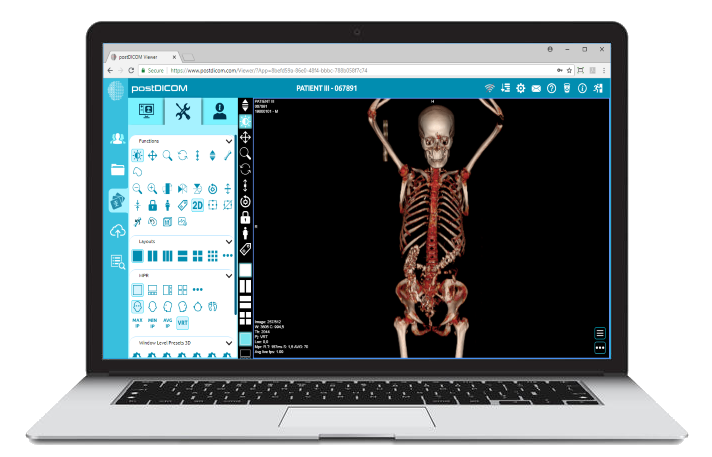
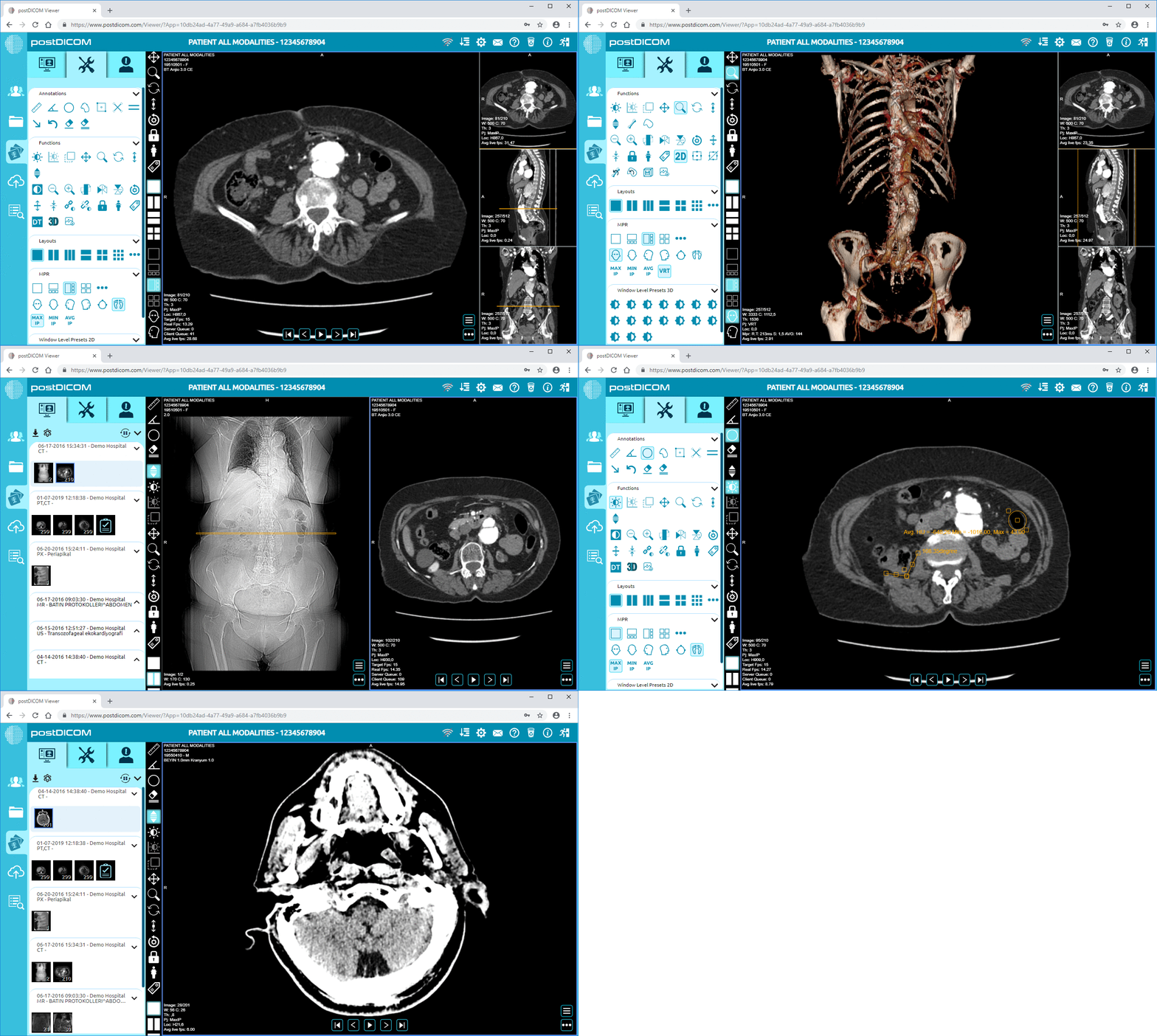
A Diagnostic DICOM Viewer supports this part of the workflow by allowing users to view medical images through a browser-based interface. Depending on the organization’s setup, this may reduce reliance on local viewers, physical CDs, or separate image distribution steps.
Because CloudPACS and EHR systems handle sensitive patient data, integration must be planned carefully. Healthcare organizations should consider:
• User Authentication And Role-based Access
• Encryption For Data Transfer And Storage
• Audit Logs And Access Tracking
• Patient Matching And Data Accuracy
• Vendor Security Policies
• Local Compliance Requirements
A good integration should make imaging access easier without weakening privacy, security, or administrative control.
PostDICOM supports cloud-based medical imaging workflows with cloud PACS storage, browser-based image access, DICOM viewing, sharing options, and integration capabilities. For organizations that want to connect imaging data with an existing EHR, RIS, HIS, or custom healthcare platform, PostDICOM can support more flexible imaging workflows through cloud-based access and integration tools.
This makes CloudPACS useful for healthcare teams that want to modernize imaging access without building a full imaging infrastructure from scratch.
Yes. CloudPACS can integrate with an EHR through APIs, HL7, FHIR, DICOMweb, or secure viewer links. In most workflows, the EHR manages patient records and clinical data, while CloudPACS stores and provides access to medical images.
Usually, the EHR does not store full diagnostic image files directly. Medical images such as CT, MRI, X-ray, and ultrasound studies are usually stored in PACS or CloudPACS. The EHR may store reports, order details, or links that open the related imaging study.
PACS is designed for medical image storage, viewing, retrieval, and sharing. EHR is designed for broader patient record management, including notes, diagnoses, medications, reports, orders, and treatment history. Integration connects both systems so clinicians can access imaging data within the patient workflow.
PACS EHR integration reduces the need to search across separate systems. Clinicians can move from the patient record to the relevant imaging study more easily, which helps improve workflow efficiency for hospitals, imaging centers, specialist clinics, and remote care teams.
Common standards and technologies include DICOM, DICOMweb, HL7, FHIR, REST APIs, and secure authentication methods. These help healthcare systems exchange patient, order, report, and imaging information more consistently, depending on the EHR and PACS setup.
|
Cloud PACS and Online DICOM ViewerUpload DICOM images and clinical documents to PostDICOM servers. Store, view, collaborate, and share your medical imaging files. |